
Seasonal gallery themes: deliver Christmas, Halloween and Easter mini-sessions in style
The LensQuay Team · 23 Aug 2026
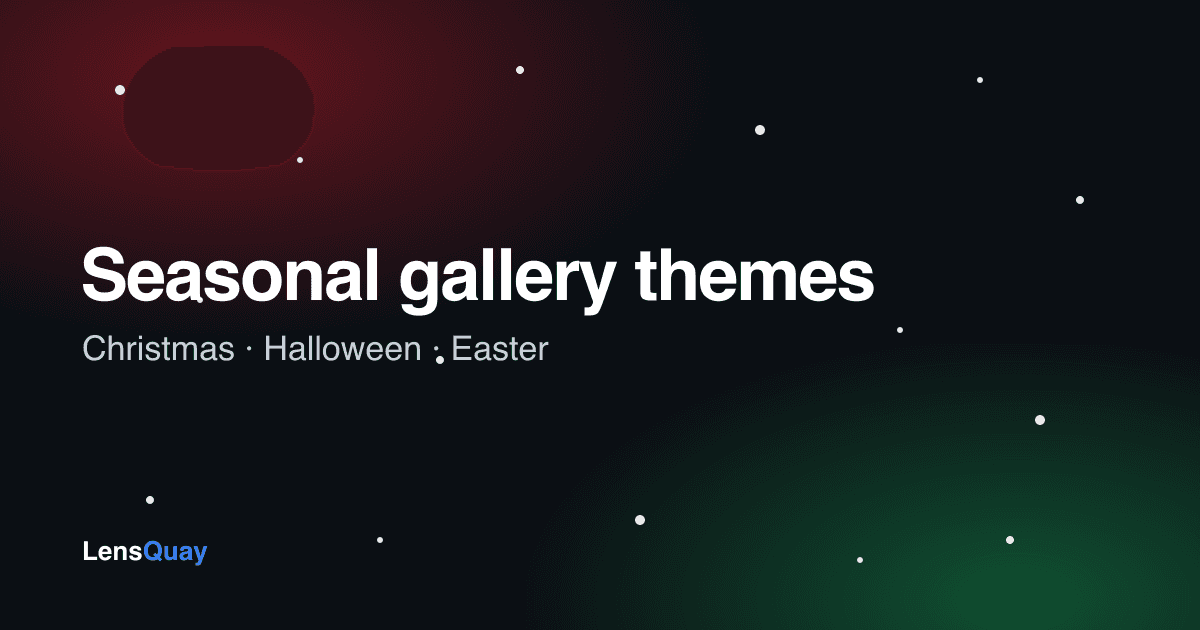
Seasonal mini-sessions — Christmas, Halloween and Easter — are some of the busiest and most profitable dates in a photographer's year. The photos matter, but so does the moment your client opens their gallery. With LensQuay's new seasonal gallery themes, you can give any client gallery a festive makeover in one click, so your delivery feels as special as the shoot.
What are gallery themes?
A gallery theme gives your client's gallery a seasonal look — a coloured backdrop and a gentle animation behind your photos — without touching the photos themselves. Your images always stay the star; the theme just wraps them in a bit of seasonal magic.
You choose the theme per gallery, so your Christmas mini-sessions can look festive while your everyday galleries stay clean and standard.
Three seasons, ready to go
- Christmas — a festive red-and-green backdrop with snow gently falling down the page. Perfect for Christmas mini-sessions, Santa shoots and holiday family cards.
- Halloween — a spooky purple-and-orange wash with black bats drifting from top to bottom. Made for pumpkin-patch, costume and spooky-themed sessions.
- Easter — soft pastel colours with spring petals floating down. Lovely for spring, newborn and Easter family sittings.
Why it matters for mini-sessions
Mini-sessions are all about volume and a fast, polished turnaround. A themed gallery does a few things for you:
- It makes the delivery feel like a gift, not just a download.
- It reinforces your seasonal offer, so clients remember to book you again next year.
- It gives people something lovely to screenshot and share — free word-of-mouth for your studio.
- It sets you apart from photographers still sending a plain grey gallery.
How to turn it on
- Create a new client gallery, or open an existing one in your studio.
- Open the gallery settings and pick a Theme — Standard, Christmas, Halloween or Easter.
- Save, upload your photos, and share the link exactly as you normally would.
Your client sees the seasonal look the instant they open the gallery, and you can switch a gallery's theme at any time.
Works on every screen
The colours and animations are built to work smoothly on phones, tablets and computers, and they are very light — there are no big files for your client to download and nothing to slow the gallery down. If someone prefers reduced motion, the animation eases off automatically.
Plan your seasonal campaigns
Christmas mini-sessions book out fast, and Halloween and Easter are growing every year. Themed galleries give you a simple, repeatable way to package each season: announce your dates, run the shoots, and deliver every gallery with a matching festive finish. It is a small touch that makes your whole seasonal offer feel considered — and gives clients a reason to choose you again.
We are starting with Christmas, Halloween and Easter, and more themes are on the way. If there is a season or style you would love to see, tell us — a lot of what we build comes straight from photographers like you.
Run your whole studio on LensQuay
Portfolio, client galleries, bookings and payments — all in one place.
Get started free